
NewElevenLabs V4 voiceovers, free on Scale

Fully edited 3–4 hour YouTube videos.

Included with Blake Ryan’s mentorship. From a YouTube link to a finished video: try it right here.

Apply for Access (opens in a new tab)
  • 3h 43mlongest recent client video
  • 54 minto render a 3h 41m video
  • 1080pMP4, ready for YouTube

Everything in one app

From the first idea to the finished video.

Video ideas, thumbnails, scripts, voiceovers and hours of edited 1080p video, made in the same place.

  • Video Ideation

    Ideas in any channel’s style.

    Paste a video you love. Produce reads the channel and writes new long-form ideas in the same niche and title style.

  • Thumbnails

    Thumbnails in a proven style.

    Give it a thumbnail you like and your title. Produce makes yours in the same style, with your text and your face.

  • Script Writing

    Scripts up to 4 hours long.

    Produce plans the whole story first, then writes it section by section in your niche’s style, with a hook up front.

  • ElevenLabs V4Free on Scale

    ElevenLabs V4 voiceovers, included.

    The newest ElevenLabs model, built into Produce. Turn any script into a natural, emotional voiceover. Scale includes 1M characters a month at no extra cost, Scale+ includes 10M.

  • Produce v3New

    Animated like a motion designer.

    Pick a style and Produce plans every shot from your narration: character cut-outs, word slams, chapter cards and sound design. This Scooby-Doo video had 249 shots planned from one voiceover.

  • Long-form video

    Hours-long videos, every shot matched to the script.

    Produce renders full-length videos in 1080p, hours at a time. On Scale, Visual Sync reads each line of your script and picks footage that shows what is being said.

Made with Produce

Hours-long videos,
already on YouTube.

Real thumbnails from Ultra Long Form channels built with Produce: what-if stories, lore deep dives and more.

Explore examples
  • Why Merry and Pippin Were More Important Than Anyone RealisedLord of the Rings
  • Voldemort could’ve wonMovie lore
  • Why the Witch King Could Not Be Killed by Any ManLord of the Rings
  • The entire storyAnimation recaps
  • The Tragic Story of Boromir and the Son Gondor LostLord of the Rings
  • The most disturbing philosophyPhilosophy
  • Planet Z-9979Space
  • Knight’s restFantasy lore

Real renders

Watch what Produce makes.

Three new videos made in Produce with the newest edits, then moments from two client videos over two and a half hours long, shared with permission. Every clip is cut straight from the finished render, with nothing added or changed.

New edits

Made in Produce · Arctic exploration history

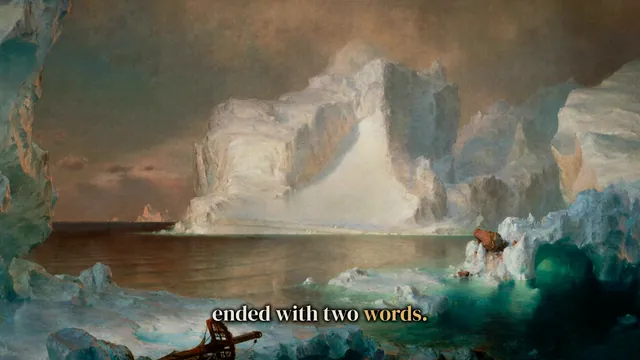
The Last Message of the Franklin Expedition

  • Concept Title
  • Sticker Board
  • Page Scroll
  • Breath
  • Editor's Camera

See how Produce works.

Made in Produce v3

Edited like a motion designer. The whole way through.

Character cut-outs, word slams, framed clips, chapter cards and sound design, planned shot by shot from the narration and kept going to the last line. This Scooby-Doo video was made in Produce v3 from a single voiceover.

Scooby-Doo, made in Produce v310:05 · 249 shots planned from one voiceover · rendered in 19 minutes · early access for members
hours of video generated
110,235
in Produce so far
made from Produce videos
$1M+
by creators, as reported
average video length
2h 2m
across 5,508 client videos
videos over 2 hours
2,915
and 619 over 3 hours

Lengths: every finished client video in Produce since December 2025. Earnings are what creators report; they vary, and nothing here is a guarantee of what you’ll make.

Editing Style · New

The edits a human editor would make.

Produce reads your script and places each edit where it belongs: a spotlight when a character is first named, a pop-up when the narration says a number, a map when the story travels. Turn on the ones you want.

  • Character spotlight

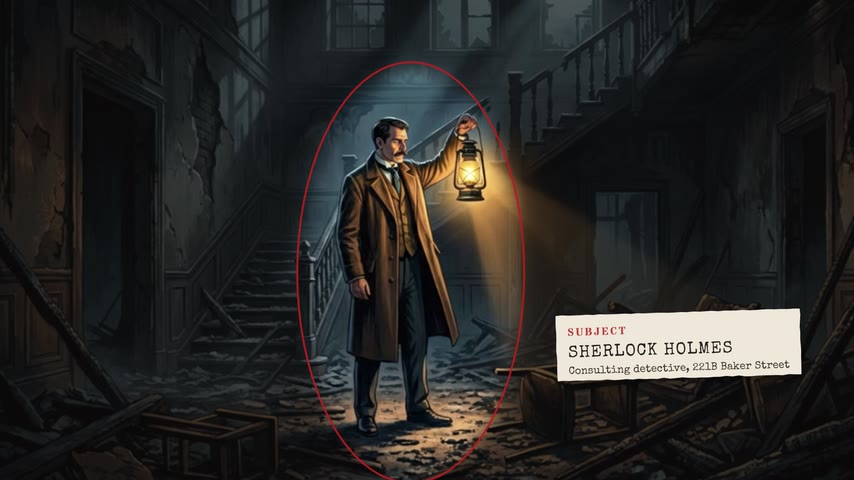
    The first time a character is named, the picture freezes, darkens around them and a name tag lands.

  • Number pop-ups

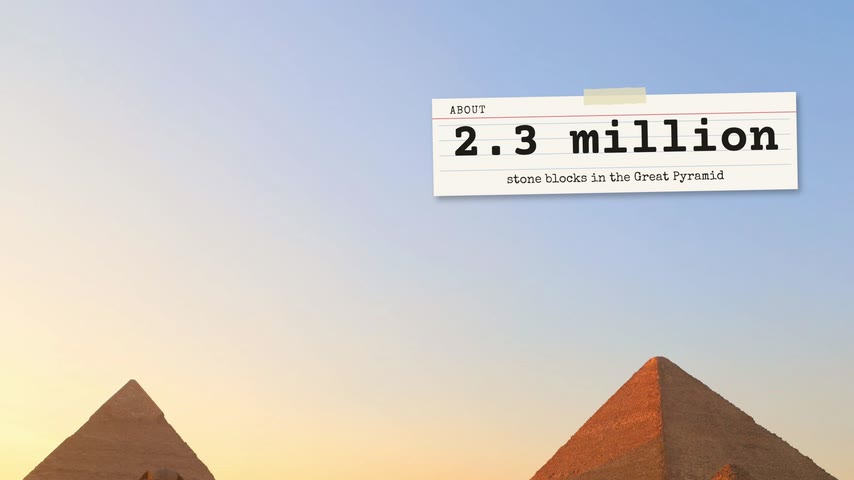
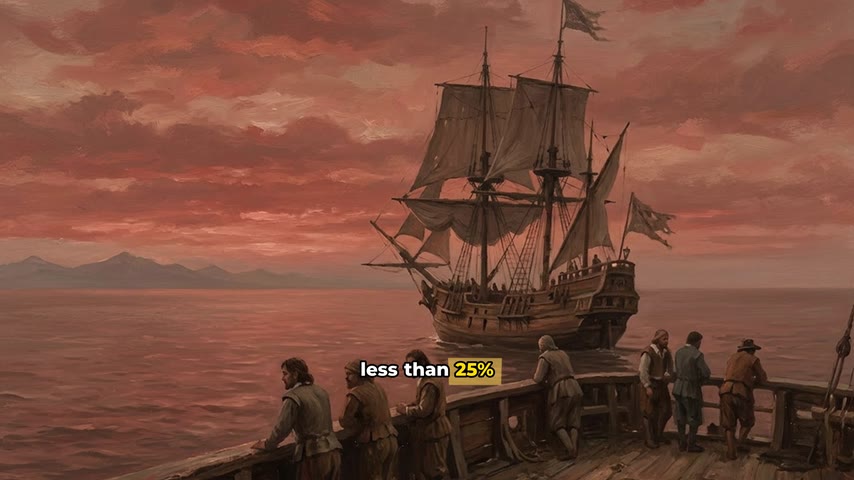
    Numbers, money and percentages in your narration pop up on screen.

  • Name labels

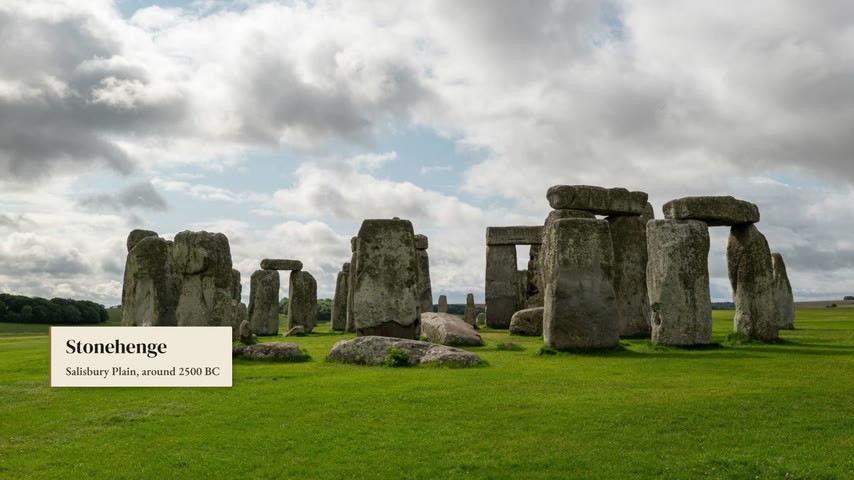
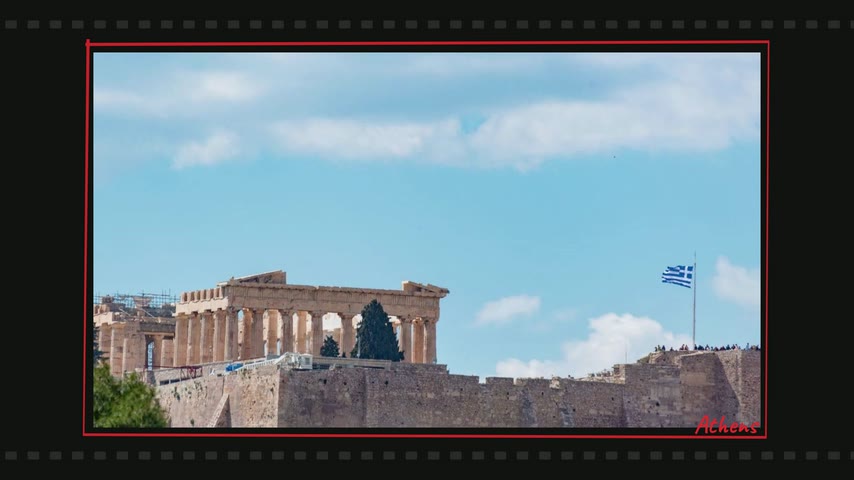
    People, places and dates get a clean label the first time they come up.

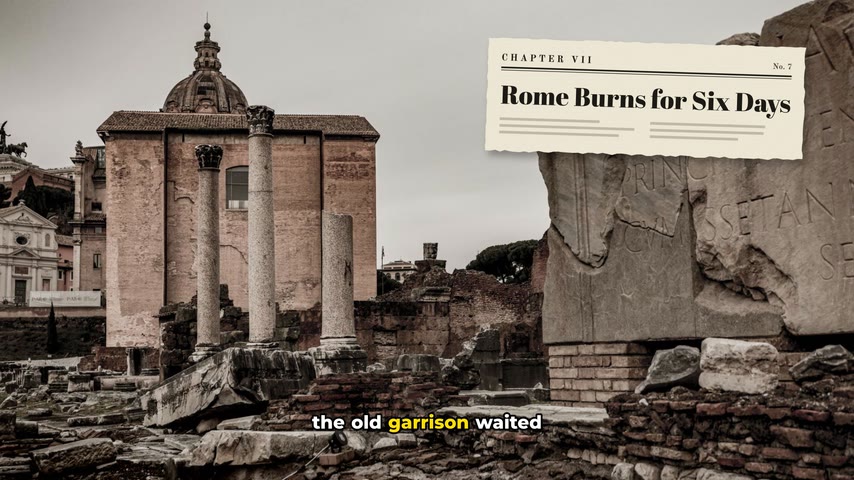
  • Chapter cards

    Each new section of your script opens with a card in your chosen style.

  • Caption emphasis

    Key words in your captions get colour, weight and a marker swipe.

  • Scale plan

    Journeys & maps

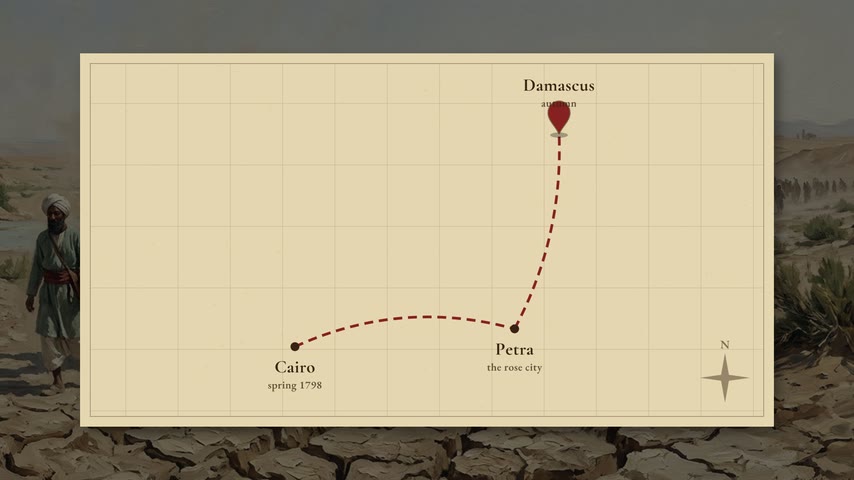
    When the story travels, a map draws the route between places.

  • Scale plan

    Hand-drawn callouts

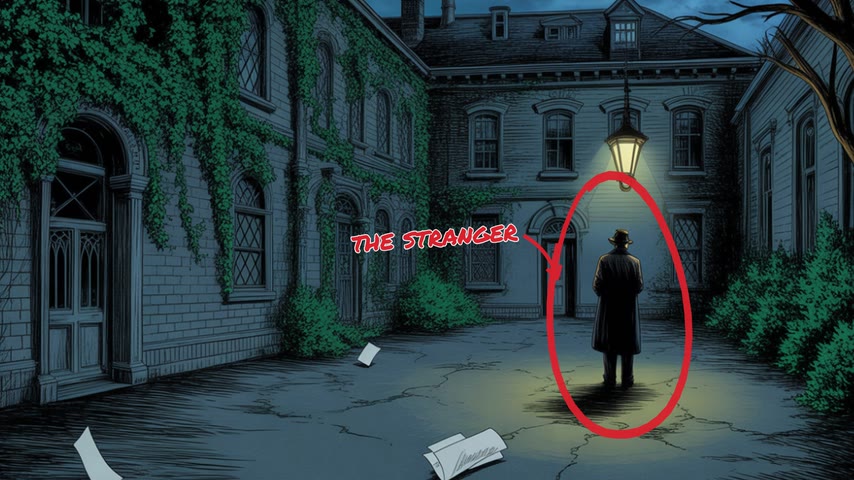
    Circles and arrows point at what the narration describes.

  • Scale plan

    Split-screen

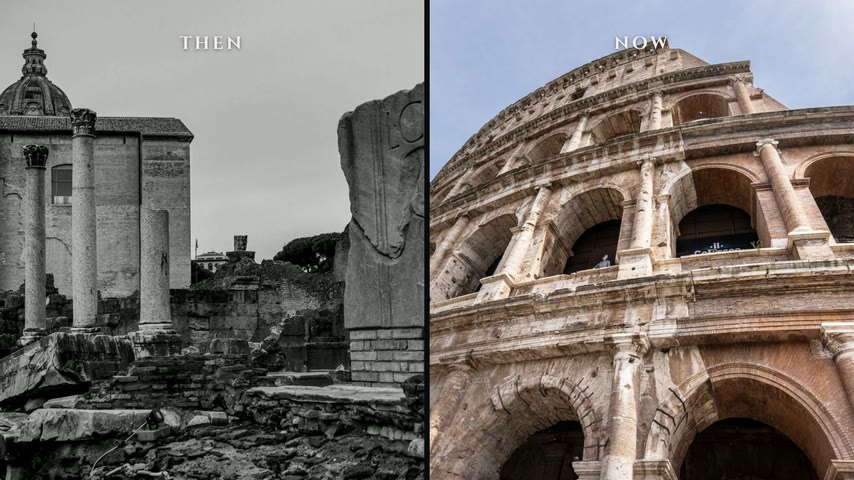
    Comparisons play side by side: then and now, this versus that.

  • Scale plan

    Montage bursts

    Lists in the narration become quick cuts, one picture per item.

  • Scale plan

    Collage boards

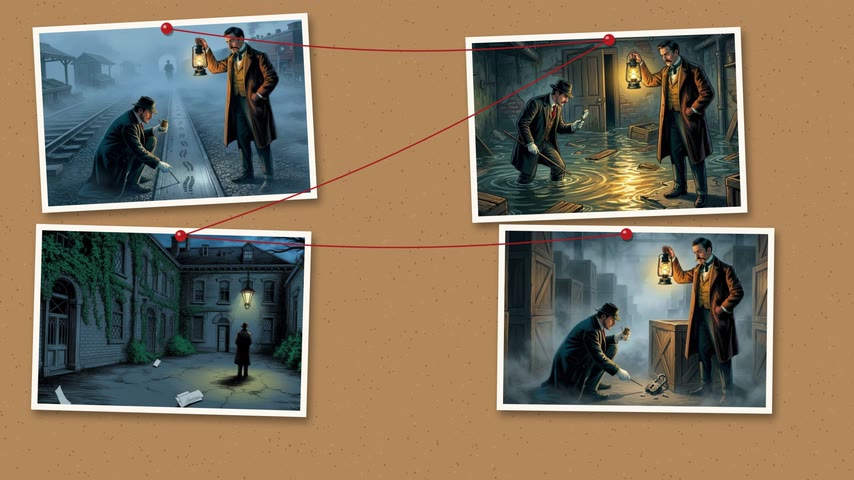
    Every few minutes, the story’s pictures land on a board.

Real renders on sample footage. Hover over a tile to play it.Each one plays as you scroll past.

Plans

Choose the plan that fits your channel.

Produce is part of the mentorship program. Your plan is set when you join, and the Produce team can move you up as your channels grow.

  • Creator

    For new faceless channels starting to scale.

    20video hours
    a month

    Apply for Access (opens in a new tab)

    What’s included:

    • 30 script hours a month
    • 60+ public video and image niches
    • 3 trained script niches
    • Spotlights, number pop-ups, name labels and chapter cards
    • Finished videos kept for 7 days
  • Most popular

    Pro

    For creators running more than one channel.

    120video hours
    a month

    Apply for Access (opens in a new tab)

    Everything in Creator, and:

    • 140 script hours a month
    • 3 video niches of your own
    • 10 trained script niches
    • Word-by-word animated subtitles
    • Upload to YouTube (up to 3 channels)
    • Borders, watermark and your own music
    • Finished videos kept for 14 days
  • Scale

    For operators scaling a network of channels.

    260video hours
    a month

    Apply for Access (opens in a new tab)

    Everything in Pro, and:

    • 300 script hours a month
    • 7 video niches of your own
    • 25 trained script niches
    • Up to 4 videos rendering at once
    • Visuals synced to your script
    • ElevenLabs V4 voiceovers, 1M characters a month
    • Maps, montages, collages, split screens and callouts
    • Moving backgrounds, particles and custom fonts
    • Finished videos kept for 30 days

Access

Produce is included with
Blake Ryan’s mentorship.

It’s part of a 90-day, 1-on-1 YouTube program: the software, plus direct guidance on using it to build an Ultra Long Form channel. Standalone plans have been retired.

What’s included

Produce, included

Full access to Produce for as long as you’re enrolled: niches, Script Studio and Video Studio.

  • 1-on-1 mentorship with Blake Ryan

    Direct, personal guidance on your channel, your niche and your numbers.

  • 6+ hours of scaling content

    The course on how Blake scales Ultra Long Form channels.

  • A pre-monetised US YouTube channel

    Delivered to your Gmail, so you can start posting from day one.

  • Vid.GG access

    Voices, thumbnails and creator tools. Its voices are a quick way to make your voiceovers.

  • Group calls and a private community

    Work alongside other members running the same playbook.

How access works

  1. Step 1: Apply on blakeryan.co

    Answer a short application about your goals and experience. It takes a few minutes.

  2. Step 2: Book a call

    Applications are reviewed personally. If it looks like a fit, you’ll be invited to book a strategy call with Blake’s team.

  3. Step 3: Get set up in Produce

    Once you’re enrolled, Produce access is activated on your account for the duration of the program.

Apply for Access (opens in a new tab)

Applying doesn’t guarantee a place. Program details and terms are on blakeryan.co.

Mentorship terms (opens in a new tab)

Inside Produce

Everything between an idea
and an upload.

One workspace for the whole Ultra Long Form pipeline: niche, script, voiceover, edits and export.

Niches

Start from a proven niche, or train your own.

Browse public niches built on stock video, images or both. Or paste in a YouTube video, and Produce learns its hooks, pacing and tone so it can write in that style for you.

  • Stock video, image and combined niches
  • Train a style from any YouTube video with captions
  • Reuse a trained style on every new topic
Product preview: browse public niches by type and search them, or see how trained niches work.

Choose Your Content Style

Select the visual style and theme for your video

6 Video Niches

  • Minecraft

    Can be used for: Minecraft Reddit stories, fall‑asleep‑to, lore

  • Medieval

    Can be used for: Medieval facts, fall‑asleep‑to, lore

  • Deep Sea

    Can be used for: Deep sea facts, fall‑asleep‑to, lore

  • World of Warcraft

    Can be used for: WoW what‑ifs, theories, lore

  • Hollow Knight Videos

    Can be used for: Hollow Knight lore, storytimes

  • Space

    Can be used for: General space videos, facts, fall‑asleep‑to

Script Studio

Hours-long scripts, written for watch time.

Give it a title and a length, up to 4 hours. Produce plans the whole story first, then writes it section by section in your niche’s style, with a hook up front and a reason to keep watching in every chapter.

  • Written in the voice of your trained niche
  • Hooks and cliffhangers all the way through
  • Download as PDF, Markdown or TXT, ready for your voiceover
Product preview: pick an example video and a script length, then watch Script Studio plan the outline and write the opening sections.
Example video
Script title

The Lost Expedition: 8 Months Down the Amazon

Style: Explorer · Oil-painting history

Trained niche. Features: SeriousStory-driven

185–190 min

About 30,000 words · 67 sections · 23 chapters

Ready to write30,000-word target

Outline

The planned sections appear here, one by one.

67 sections · 23 chapters

Produce plans the whole script first, then writes it section by section in the Explorer style, with a hook up front and an open question to carry every chapter.

Sped up for the preview, which writes the opening sections only. In Produce, a script this long should be ready in about 16 minutes.

Plus everything around the edit.

  • Upload to YouTubePro and Scale

    Connect up to 3 channels and publish straight from Produce.

  • ParticlesScale

    Snow, rain, dust or embers, with speed, size and density you control.

  • Borders and backgroundsPro and Scale

    Frame your footage with a border or your own backdrop. Moving backgrounds are on Scale.

  • Presets

    Save your look once and use it on every video.

  • WatermarkPro and Scale

    Add your logo for the opening seconds of a video.

  • Render queue

    Watch every render’s progress and get an alert when it’s ready.

Creator proof

Creators building
channels with Produce.

Case-study interviews with creators, and Ultra Long Form channels you can watch on YouTube right now.

Case studies

3 video interviews
  • Case study

    Jack

    $0 to $165/day in 3 weeks

    How Jack went from $0 to $165 a day in three weeks with Ultra Long Form videos.

  • Case study

    Sam

    $0 to $3K/month with 2 channels

    How Sam went from $0 to $3K a month posting AI Ultra Long Form videos on two Produce channels.

Channels using Produce

3 channels

Individual results, as reported. Earnings vary, and nothing here is a guarantee of what you’ll make.

Explore all examples

FAQ

Questions, answered.

Short answers about the product and how access works.

Produce writes and edits Ultra Long Form YouTube videos. Script Studio writes long scripts in your niche’s style, built to keep people watching. Video Studio turns your voiceover into a fully edited video with your niche’s footage, music and edits, exported as a 1080p MP4. Pro and Scale add subtitles, and Scale matches footage to each line of your script.

Produce is built for videos that run for hours, up to 4 hours 10 minutes each. The length follows your voiceover. Every video exports as a 1080p (1920 × 1080) MP4.

Usually about a third of the video’s length, often less. In one recent week, a client’s 3h 41m video rendered in 54 minutes and a 2h 20m video in 17 minutes. You can track every render in your queue and get an alert when it’s ready.

You bring your own voiceover. Make it with any TTS voice you like and upload it, in one file or several. Produce builds the video around it, and the finished video follows the length of your narration, plus any intro or outro you add.

No. Standalone Produce plans have been retired. Produce is now available through Blake Ryan’s mentorship, where it’s included as part of the program.

Apply for the mentorship on blakeryan.co. Applications are reviewed personally, and if it looks like a fit you’ll be invited to book a call with Blake’s team.

Once you’re enrolled, Produce is activated on your account.

Ready to build your
Ultra Long Form channel?

Apply for Blake Ryan’s mentorship to get Produce, 6+ hours of scaling content and 1-on-1 guidance on using it.

Applications are reviewed personally on blakeryan.co.